
For server owners
Why is your server’s online player count missing?
A missing online count does not mean zero players. Check the source counter, website URL, official launch date and reading time to narrow down the cause.
Last updated: November 12, 2026
SRO.GG reads the online player count displayed on your server’s own website. It does not connect to the game server and independently count its players. A missing number therefore does not mean that your server has no players.
A counter that was successfully read and reported 0 is different. If no number appears, there may be no usable reading or the listing may not meet the conditions for displaying it.
1. Check the counter on your own site
Open your server’s website without signing in. Is the current player count actually visible? If the counter is only inside a member area, written into an image or absent from the page, do not assume that SRO.GG can read it.
Distinguish the current player count from registered accounts, total characters or server capacity. A counter may display current players and capacity next to each other; it should be clear which value represents online players.
2. Verify the website URL saved on SRO.GG
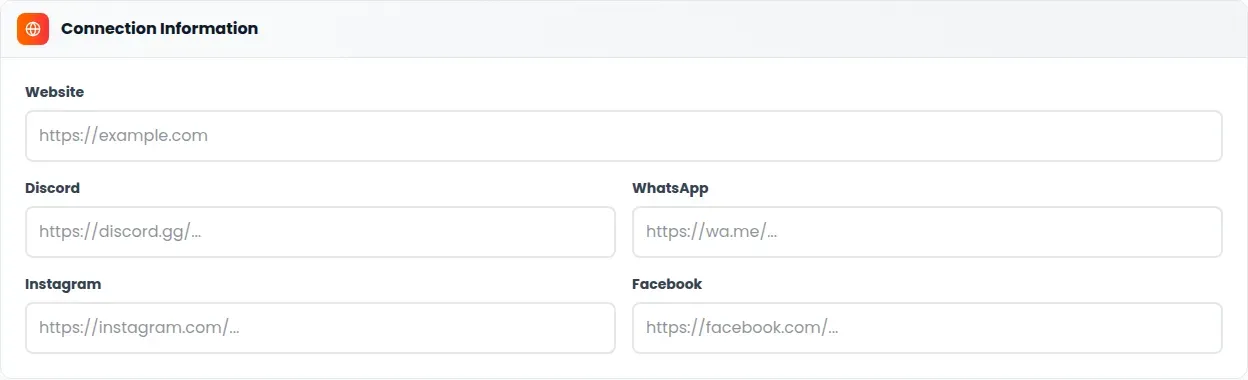
Open your listing through My Servers and check its Website link. The address might lead to an old domain, a promotional landing page or a server-selection screen.
If the actual panel and player counter live on a different subdomain, identify the full address that needs checking. Use your real official website when correcting the listing, then open the saved link to verify its destination.
3. Check the official launch information
Public display of the count requires an active listing whose official launch date has arrived. The count may be missing if that date is blank, still in the future or the server is only in beta. Closed or inactive listings do not qualify for this display either.
Check the real launch date and timezone. Do not move the date earlier merely to display a count: it should accurately tell players when the server opens. If the listing has a date issue you cannot correct yourself, send the team its existing SRO.GG link.
4. Check the reading time and history
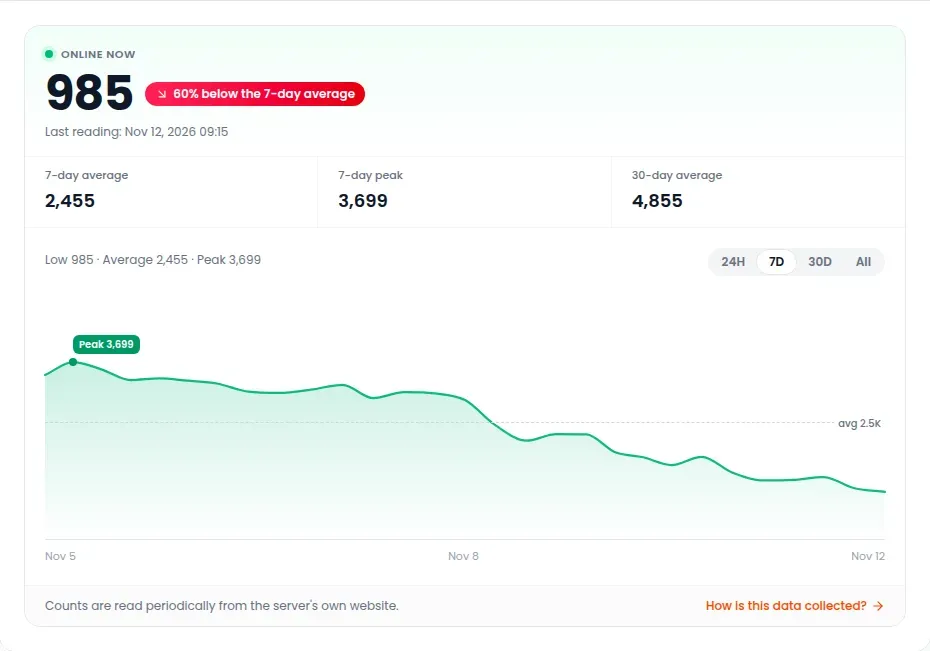
When a usable count is available, the server page includes an Online History tab. Look at the measurement time: the SRO.GG value is not a continuously updating live feed. Servers are checked in turn, so the number on your own site and the one here may have been read at different times.
Gaps in history can reflect failed readings; do not interpret them as zero players. The Most Populated list also excludes readings older than 24 hours. Seeing a number elsewhere is not enough on its own to qualify for that ranking.
5. Look for recent changes
A new website theme, panel system, counter label or domain can stop a previously working reading. A temporarily unreachable website or an access-verification screen can also prevent collection.
Fix problems on your own site first. If its counter is publicly accessible and correct but missing from SRO.GG, the integration may need a separate check. The server-owner form does not contain a field for manually entering an online player count.
6. Send the information needed for a check
Contact the SRO.GG team through the official Discord. Include the server’s SRO.GG listing link, the full website URL containing the counter, where the counter appears and when you noticed the issue. Mention recent panel or address changes too.
These details help the team inspect the correct source; you do not need to guess a player count. Read the Data Methodology page for more information about how the figures are collected and their limits.