
Getting started
How the weekly server poll works: voting, results and archive
How to vote in the weekly Silkroad server poll that opens every Thursday at 20:00, which servers take part and when results are announced. Changing your vote, past polls and reminders.
Last updated: November 23, 2026
Every week SRO.GG asks players the same question: Which server are you starting this week? The weekly server poll shows which of that week's new Silkroad private servers players are most curious about. This guide covers the schedule, voting and where to find results.
1. When the poll opens and closes
The poll opens for voting every Thursday at 20:00 and closes on Friday at 20:00. Voting lasts 24 hours, and times are Turkey time (UTC+3). The winner is announced as soon as the poll closes.
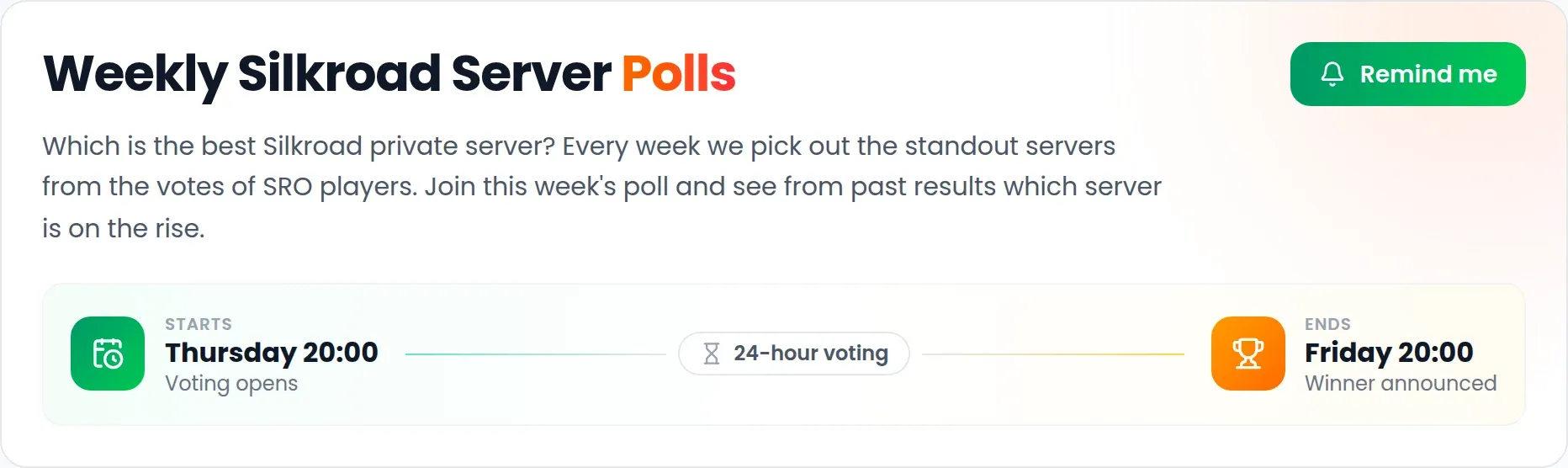
Open the poll page with the blue Polls button in the top menu or go straight to the weekly server poll. The schedule at the top shows when voting starts and ends.
While voting is open, the poll also appears on the homepage. The homepage card starts collapsed; open it with Vote or See results. A live countdown shows how much time is left. Clicking the card's title opens the poll page. After the poll closes, the results stay on the homepage until Sunday evening.
2. Which servers are in the poll?
Only servers that open that week take part.
A poll has at least 4 and at most 20 options.
If fewer than 4 servers open that week, there is no poll.
The options are fixed when the poll opens and do not change during voting.
When more than 20 servers open in a week, packages and servers that link to SRO.GG are picked first. If you own a server, see How does my server get into the weekly poll?
3. Voting
You need to sign in with your Google account to vote. If you click an option without signing in, the Sign in to vote dialog opens and brings you back to the same page after you sign in.
Each account has one vote.
Results appear right after you vote.
If you change your mind, use Change my vote to switch to another server until the poll closes.
Voting and vote changes stop when the poll closes.
4. Results and past polls
Results are shown as percentages, not vote counts. The top server is highlighted with a crown and the Winner label. Servers with the same percentage share the same rank.
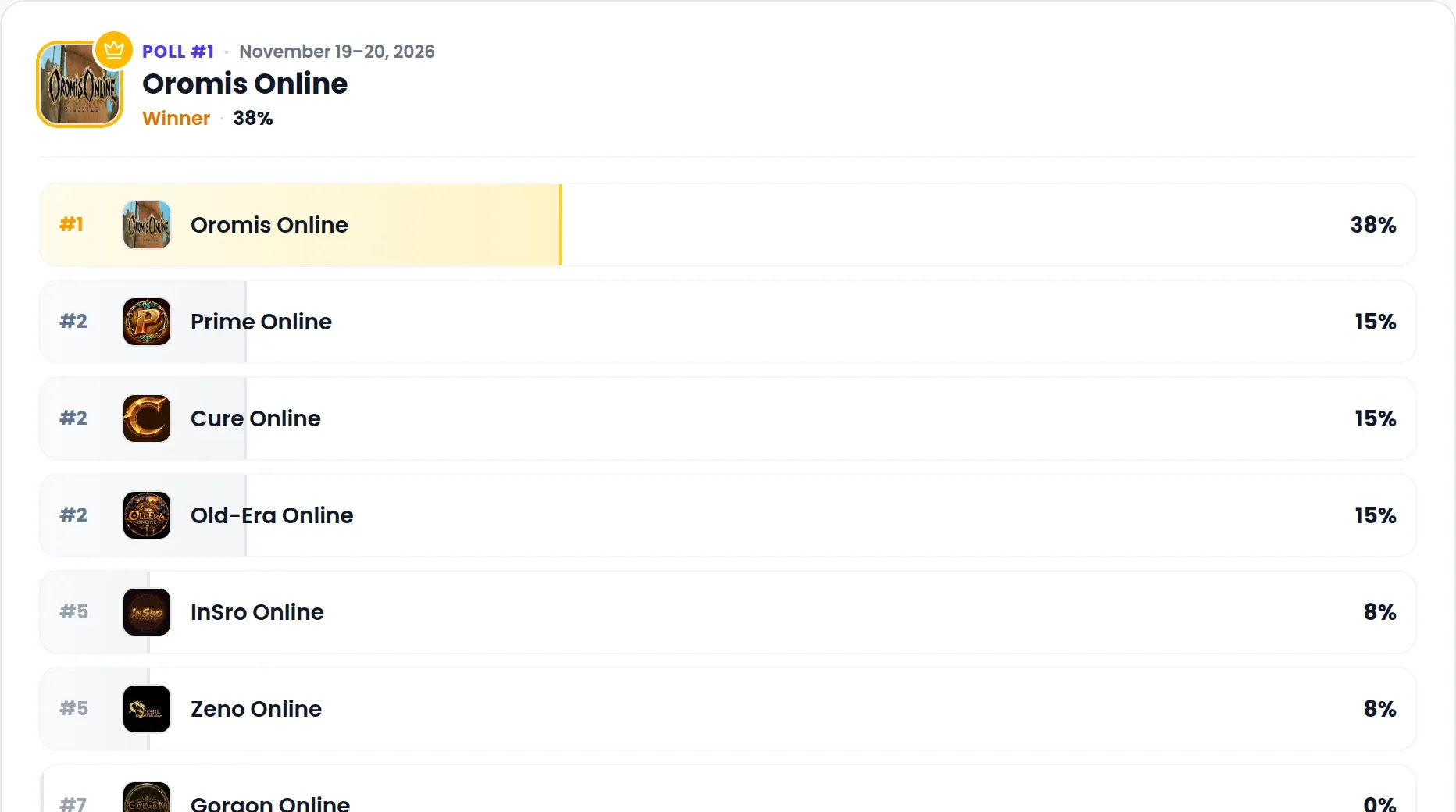
The past polls section further down the poll page keeps earlier weeks' results. Click a poll to open its results in a separate window and compare which servers stood out over the weeks.
5. Set a reminder so you don't miss it
Press Remind me on the poll page and we will alert you once when the next poll opens.
To hear about it every week, keep Poll opened switched on in Reminders. It is on by default.
Poll closing reminds you 2 hours before the poll closes and is skipped if you already voted. Results are in alerts you when the winner is announced.
We explain channels and topics in Notifications and reminders.
The poll measures popularity; it is not a guarantee of a server's quality or reliability. Before you start, read Starting on a new Silkroad server: what to check first.