
Getting started
Tracking upcoming servers
Find upcoming launches by day. Learn how the seven-day counter differs from the six-month calendar, read launch and beta dates, and set your own reminder.
Last updated: November 9, 2026
If you want to join a server on its first day, check its launch date in advance. SRO.GG’s calendar groups the launch dates in server listings by day. Before making plans, confirm the date in the server’s own announcements.
1. The Upcoming Servers page

On desktop, click the green Upcoming counter in the header. It counts active listings with a launch date in the next seven days. The calendar covers six months, so the two totals may differ.

The menu's Upcoming Servers link opens the same page. You can also open the launch calendar directly and bookmark it in your browser.
2. Launches in the next six months
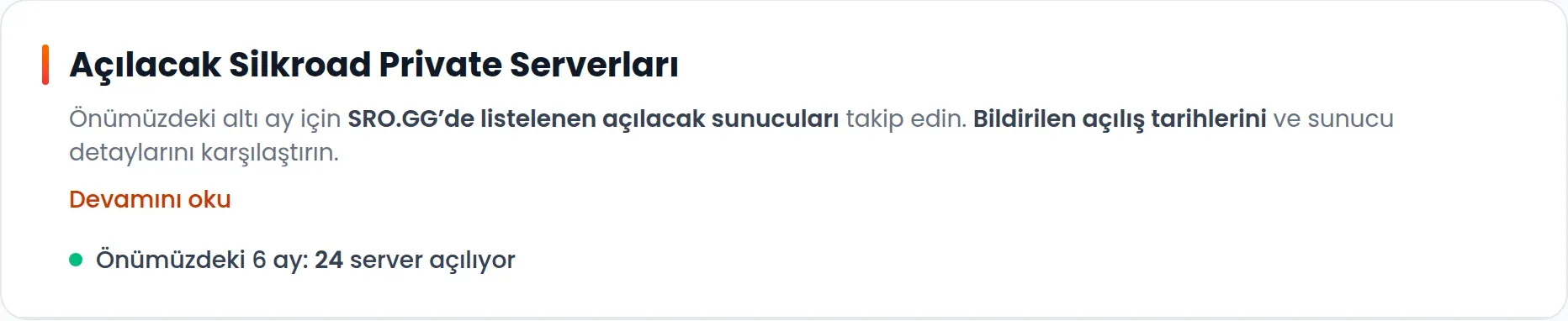
Upcoming Silkroad Private Servers lists recorded launches within the next six months. The total at the top counts launches in that six-month period. Our example shows 24 servers; this number changes over time.
A listing does not guarantee that a server will launch at the stated time. When making plans, check both the server page and the server's own current announcements.
3. Launches grouped by day

Servers are grouped by launch day, with the nearest day first. Each heading shows a date and the number of servers in that group. The example shows Tuesday, 10 November, with one server.
Calendar groups use the UTC date. The detailed server page displays the time in the server's configured time zone. Near midnight, those dates can differ, so check the server page for the exact opening time.
Click a listing's name to open its details. Cap and the short description help you narrow the options; the server page provides connection limits, race settings and the introduction.
4. Launch dates, beta dates and days left

We use Hitsro's page to show where the date field appears. Its Launch Date in the screenshot is 25 September 2026 at 21:00. That date had already passed when the screenshot was taken. Hitsro is used here to show the date field, not as an upcoming launch.
Beta Date appears separately when available. Only beta dates that have not yet passed are displayed on the server page. Note the beta start and the main launch separately.
When there are between one and seven whole days remaining, a … Days Left label may appear beside the date. The label shows days remaining. There is no live countdown in seconds on each calendar row, so use the launch date and time even on the final day.
5. Your own launch reminder
You cannot currently subscribe to a Remind me alert for a particular server’s launch. Opening the calendar or viewing a server page does not create a launch reminder. You can add an event to your own calendar for a date you want to remember.
Save the server page link.
Note the launch date and any beta date separately.
Check the time zone and adjust the time in your own calendar.
Check the server's announcements again as launch approaches in case the date changes.
Browser notifications are a separate feature. Allowing notifications does not set a launch alarm for your chosen server.